QR import
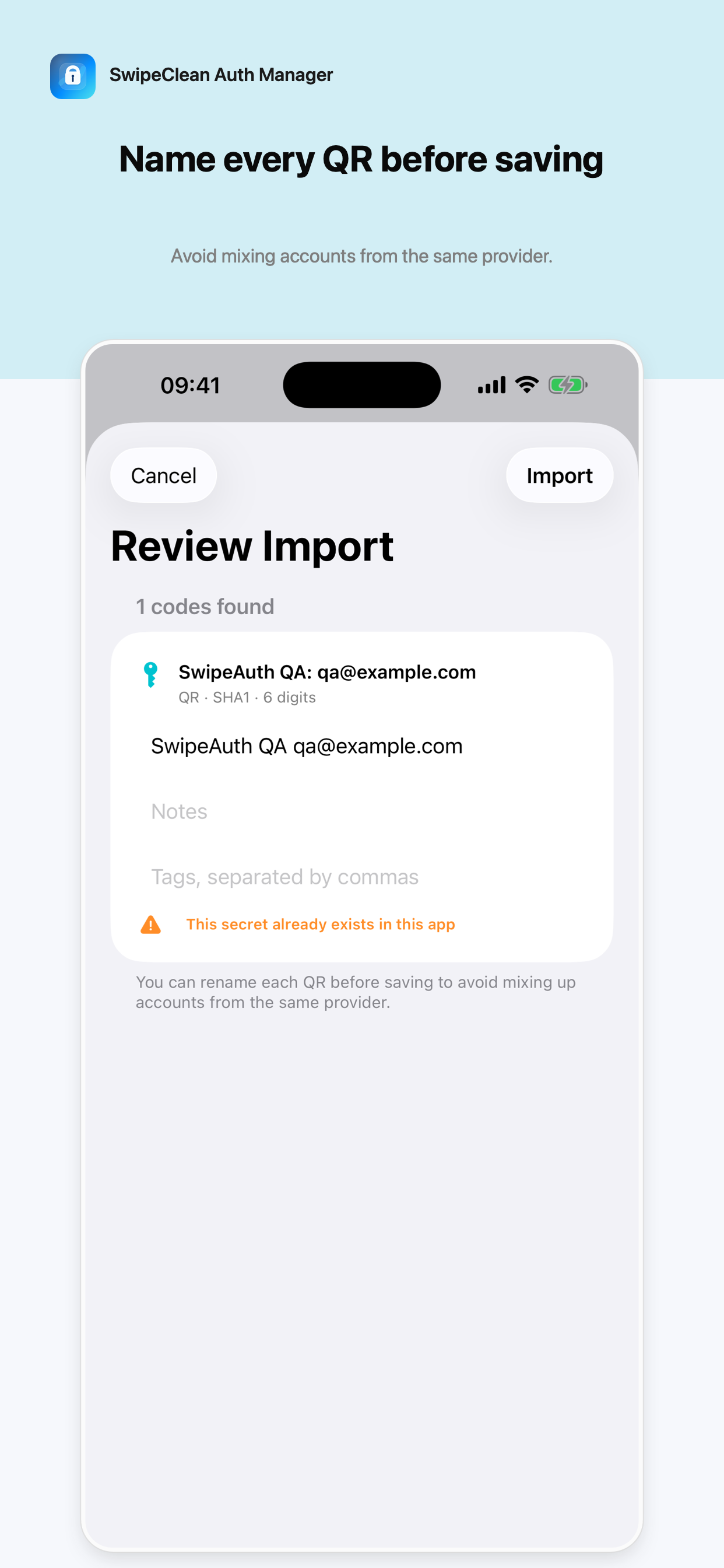
Import supported authenticator transfer QR codes and standard otpauth setup QR codes.
 SwipeClean Suite

2FA authenticator manager
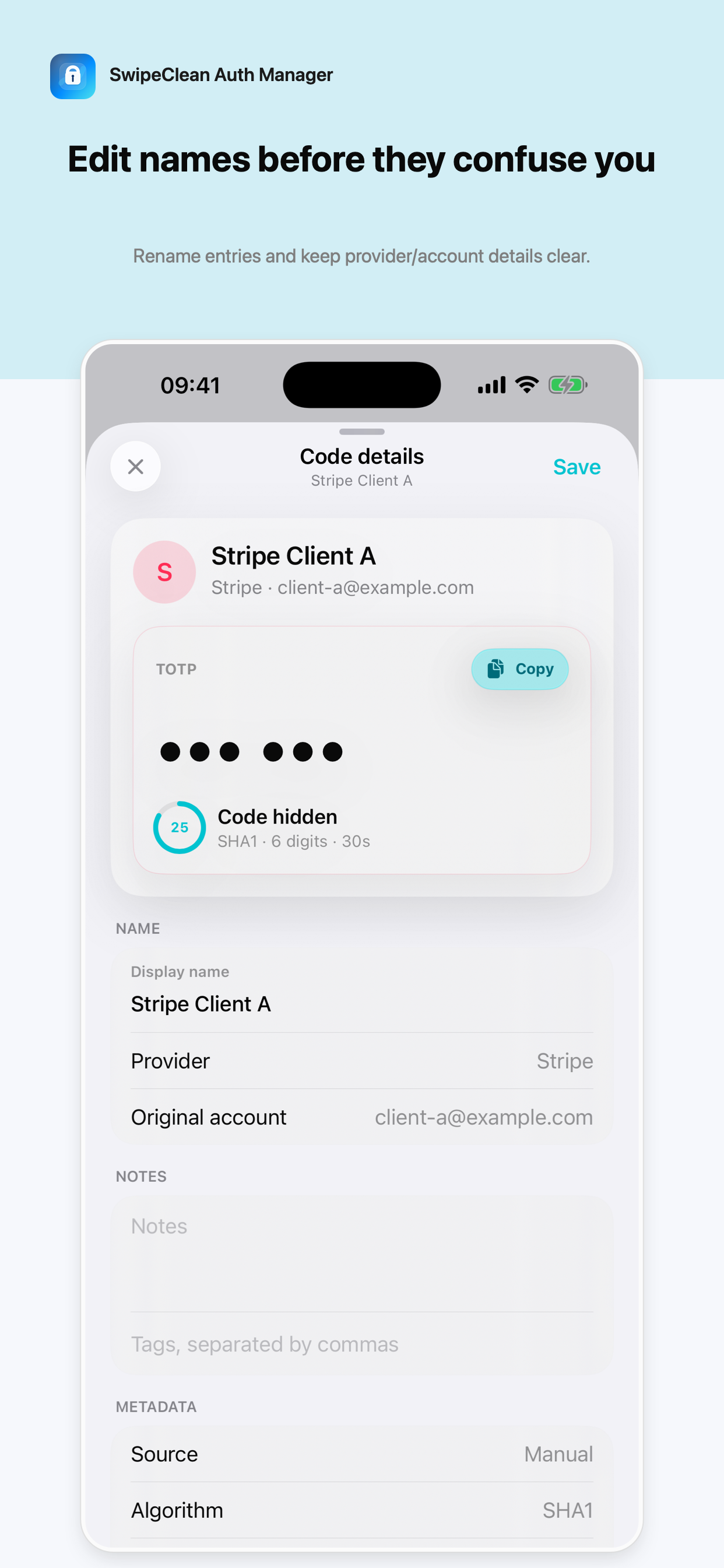
SwipeClean Auth Manager helps you import multiple authenticator QR codes, rename similar accounts, copy OTP codes quickly, favorite important entries, and review duplicate secrets before deleting anything.
Import supported authenticator transfer QR codes and standard otpauth setup QR codes.
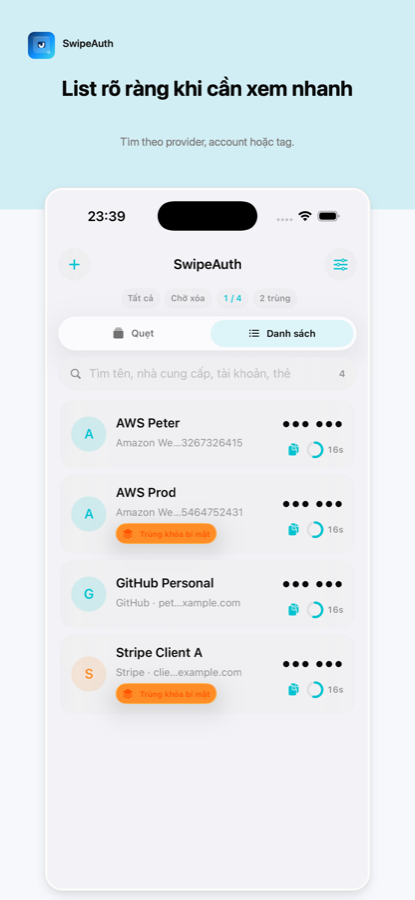
Search by provider, account name, label, or tag when you have many 2FA entries.
Copy OTP codes quickly from list and deck workflows while keeping details one tap away.
2FA secrets are stored in the iPhone Keychain and OTP codes are generated locally.
Secrets are stored in the device Keychain. OTP codes are generated locally on your iPhone.
Yes. The app supports supported authenticator transfer QR codes and standard otpauth QR codes, then lets you review and rename entries before saving.